


Informal A/B testing was conducted to compare GrubHub with UberEats. This was a summative test because of GrubHub’s service being launched in the year 2010. GrubHub was compared with UberEats because UberEats was more popular and had more users than GrubHub. After the test was designed, it was concluded that each testing session would last about 40 minutes.The testing was conducted in a collaborative study room in Johnson Library, which is located on Kennesaw State University’s Marietta campus. This room was silent and calm as well as away from outside influences and distractions. The study room had two tables with a set of chairs. One table was designated as the testing area while the other was designated as the viewing area. The moderator and test participant were placed in the testing area, and the recorders and note-takers were placed in the viewing area. A phone with a screen recorder and food delivery apps was used to complete the test.College students with prior knowledge in using food delivery platforms were the characteristics looked for in potential participants. Four participants were externally recruited to complete the GrubHub usability test. A $10 Chick-Fil-A gift card was given as compensation.
Functional Homepage: While our participants clearly stated they don't like the aesthetics of Grubhub’s homepage, it is a good homepage on a functional level. Even participants who had no GrubHub experience prior to the test were able to easily learn and discover the app
User Experience: According to questionnaire feedback, Grubhub provided participants with an overall positive and relaxed experience.
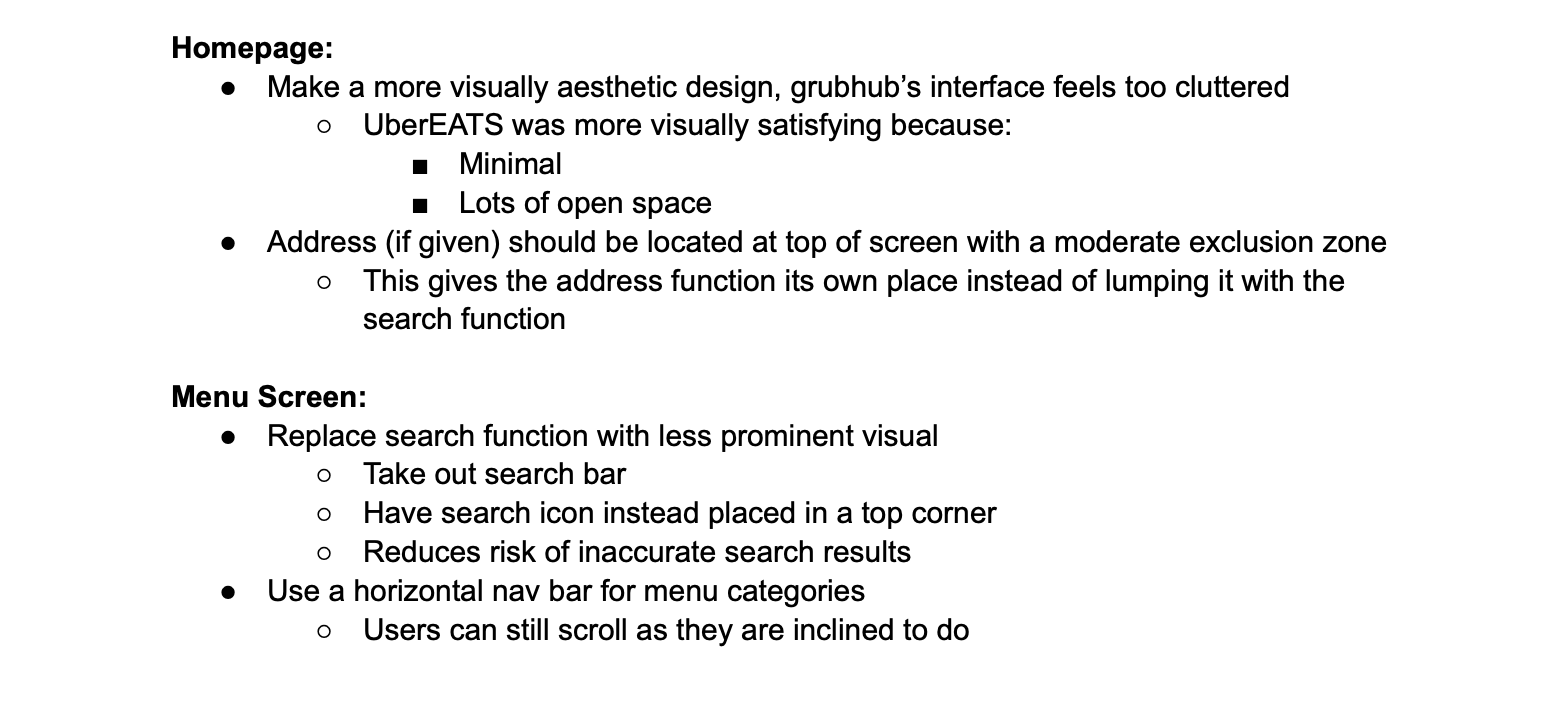
Homepage: GubHub’s homepage focuses on food services and order-type. These elements have better placement and priority compared to UberEats. The UberEats homepage focuses on more than just food delivery. There are other services they offer, and everything they offer can be found from the same homepage. This makes for a more hectic and confusing experience for a user only desiring to order food. There isn’t an emphasis or importance of food over it’s other services. Making it all blend in. Whereas Grubhub has more organization and focus on food delivery.
Food Icon Elements and Their Role in Navigation: Through testing, it was noticed that people’s first instinct was to scroll through the apps rather than using the search function. When it came to needing a function to find a restaurant within a specific food category, people used the icon elements more than the search element.
Guidance and Higher Learnability: Grubhub provides more guidance and has a more learnable layout compared to UberEats. Grubhub relies on more traditional elements; this allows first time users to rely on the recollection of known traditional elements. Natural Flow of Customization: Grubhub has a more natural flow that makes the user’s action understandable.
~Visual aesthetics for UberEats was generally liked by participants more than GrubHub
~GrubHub’s layout was more intuitive than UberEats.
~Our participants found it easier to learn the functions and discover actions, even if it was their first time using Grubhub.
~UberEats seems to have more steps involved in the process of ordering food, and some participants found this to be tedious.
~In a questionnaire, 75% of participants said they like they navigation of GrubHub better. The flow, and quickness of users completing their order in Grubhub in comparison to Ubereats was very apparent.
~The UberEats layout seems to be unnatural because it doesn’t match traditional designs that ppl are used to.
~Our participants were able to complete their tasks a lot easier in Grubhub in comparison to UberEats. We believe the lack of learnability, and lack of a traditional layout and use of traditional elements is to blame.
~We created two different scenarios to be walked through in both apps. Our participants struggled with the customization part for both apps. They gave off clear signs of frustration and unsureness that they were modifying the order in the way they intended to.
~Whilw using Grubhub we noticed that our participants were more inclined to scroll, as a means of navigating the app, instead of using the search or emoji- like icon functions
~Our participants vocalized that they felt as if the confusion while using UberEats was their fault.
~ While using Grubhub, In our screen recordings, we noticed that one of our participants had to uncheck a box in order to remove onions several times. There were no social cues to reassure him he was making the correct choice. There were also no steps to prompt him to do the right thing.


If you like what you see and want to work together, get in touch!
Asianae0000@gmail.com